changes.mady.by.user 徐诚聪
保存于 4月 25, 2025
changes.mady.by.user 颜心乐
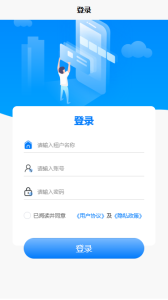
一、登录被指派工程师的账号 (https://asm.seakon.com/h5/#/)
Image Added
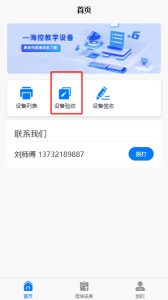
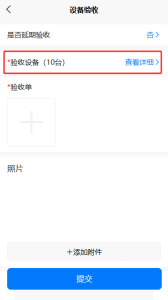
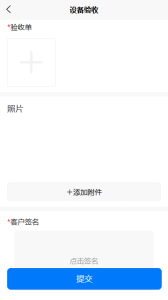
二、点击设备验收=>选择设备(默认全选设备)=> 填写带 * 的信息后点击提交
Image AddedImage AddedImage Added
...